Artificial intelligence is changing how people search for information, manage work, and process data. Among these technologies, AI assistants are increasingly used because they can support many tasks that previously had to be done manually. So, what is an AI assistant, how does this technology work, and where can it be applied? This article will help you understand how AI assistants work, their key capabilities, and some of the most notable AI assistant tools available today.
What is an AI assistant?
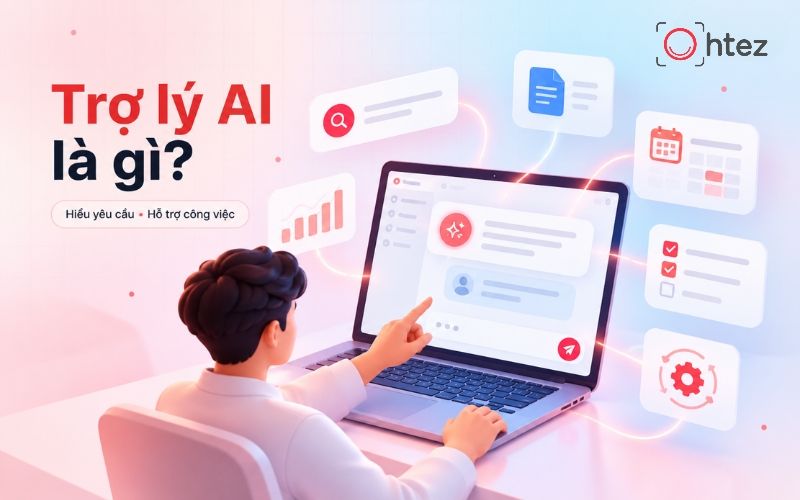
What is an AI assistant? An AI assistant is software that uses artificial intelligence to understand natural-language requests and help users perform specific tasks. It can answer questions, search for information, draft text, analyze data, and support task execution based on the instructions provided.
AI assistants use technologies such as natural language processing (NLP), machine learning, and large language models (LLMs) to understand context and generate appropriate responses. Users can interact with an AI assistant through text or voice without needing complex programming commands.
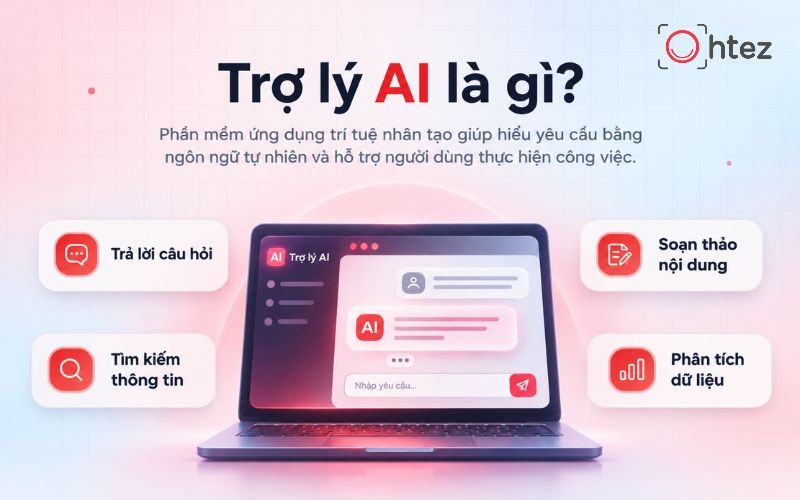
Learn what is an AI assistant and explore its work-support features
Differences between AI assistants, chatbots, and AI Agents
Although all three use artificial intelligence, chatbots, AI assistants, and AI Agents differ in functionality and level of autonomy. Understanding these differences helps businesses choose the right solution for their actual needs and avoid investing in unnecessary capabilities.

Distinguishing the differences between Chatbot, AI Assistant, and AI Agent
>> Read more: What is an AI Agent? Detailed operation and applications in 2026
How does an AI assistant work?
An AI assistant works through a combination of natural language processing (NLP), large language models (LLMs), and connected data sources. The system receives a request, analyzes the content, and then generates a response or performs the appropriate task. The AI assistant workflow consists of three main steps:
1. Receiving requests and analyzing natural language
An AI assistant receives requests through text or voice, then uses NLP and AI models to identify intent, context, and the information that needs to be processed. If a request is unclear, the system can ask follow-up questions for more information. Example: When a user asks, “Summarize this morning’s meeting,” the AI assistant identifies the task as summarizing the meeting content.
2. Retrieving data and processing information
After understanding the request, the AI assistant uses knowledge from the model or retrieves data from documents, databases, and connected systems. Some assistants use Retrieval-Augmented Generation (RAG) to find relevant information before generating a response. Example: The AI assistant retrieves the meeting record and identifies key points, decisions, and assigned tasks.
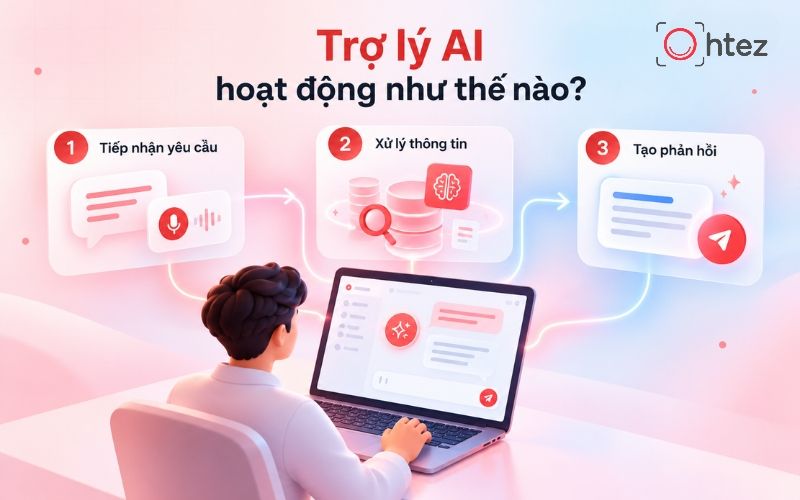
The 3-step information processing and operational workflow of an AI assistant
3. Generating responses and executing tasks
Based on processed information, the AI assistant generates responses in text, voice, or data tables. If integrated with tools and granted appropriate permissions, the system can also execute tasks like sending emails, scheduling appointments, or updating information. For example: The AI assistant generates a meeting summary comprising main highlights, agreed-upon decisions, and an action item list.
What are the key features of an AI assistant?
Beyond conversation, AI assistants can support a wide range of activities related to information management and work automation. When learning what is an AI assistant, users should identify which capabilities fit their needs rather than evaluating the technology only by how well it answers questions. Notable features include:
- Information search and synthesis: Helps look up documents, select key content, and present results as requested.
- Content drafting and editing: Assists in writing emails, preparing reports, brainstorming ideas, and editing text according to context.
- Personal task management: Supports schedule creation, task reminders, and tracking items to complete.
- Data analysis: Synthesizes metrics, identifies trends, and suggests necessary information to review before making decisions.
- Task automation: Connects with software to support updating data and handling repetitive tasks.
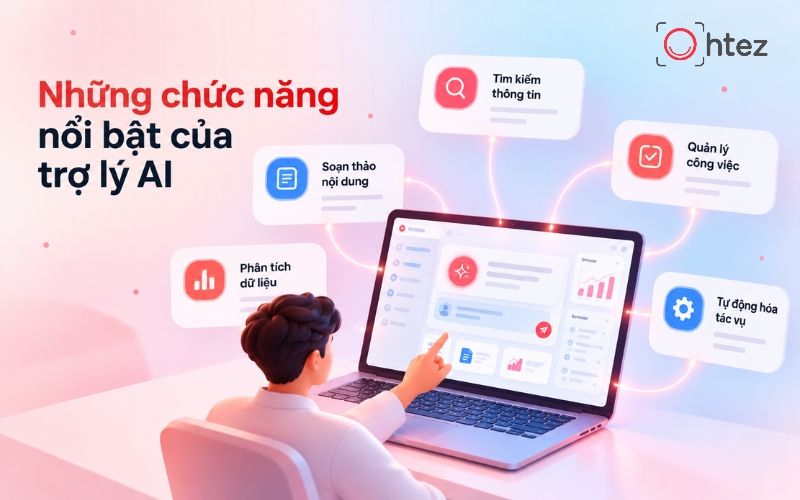
What is an AI assistant? Key features and practical applications
Applications of AI assistants in business and daily life
Understanding what is an AI assistant helps users identify the types of work where this technology can be applied. From customer service and marketing to learning, AI assistants can help process information and reduce manual steps when implemented appropriately.
1. Supporting omnichannel customer service
AI assistants help businesses receive and respond to customer requests across websites, social media, and messaging applications. Popular applications include:
- Automated consultation: Answers questions about products, pricing, warranty policies, and services.
- Information lookup: Helps check order status, shopping history, and support requests.
- Request categorization: Identifies issues and routes complex cases to responsible personnel.
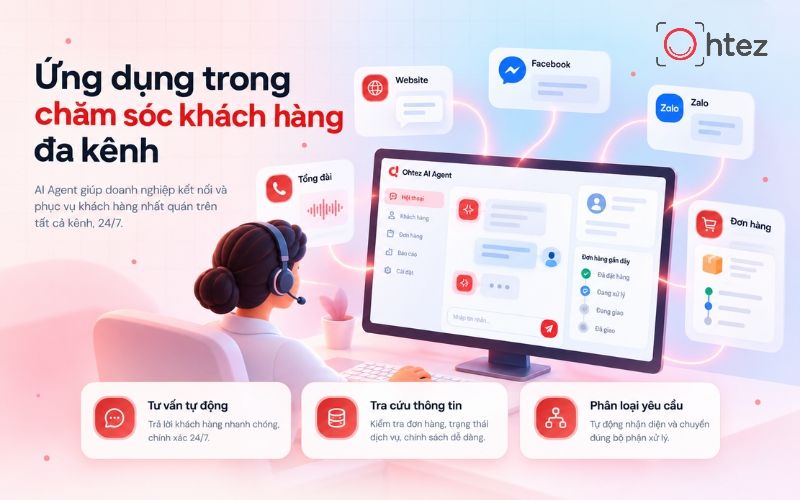
Applications of AI assistants in omnichannel support and customer care
2. Optimizing marketing and sales operations
In marketing and sales, AI assistants support analyzing customer insights, creating content, and improving lead outreach workflows. Typical applications include:
- Content creation: Assists in writing ad copy, email marketing, social media posts, and product descriptions.
- Customer analysis: Aggregates behavior, needs, and interaction data to support campaign development.
- Sales enablement: Qualifies leads, prepares consultation content, and synthesizes CRM insights.
3. Managing data and internal workflows
AI assistants help businesses reduce manual operations in managing information and coordinating across departments. When integrated with proper systems, this technology can:
- Report generation: Collects data from connected sources and builds templated reports.
- Work management: Tracks progress, sends deadline reminders, and updates task statuses.
- Internal document lookup: Helps employees quickly search for procedures, policies, and operational guidelines.
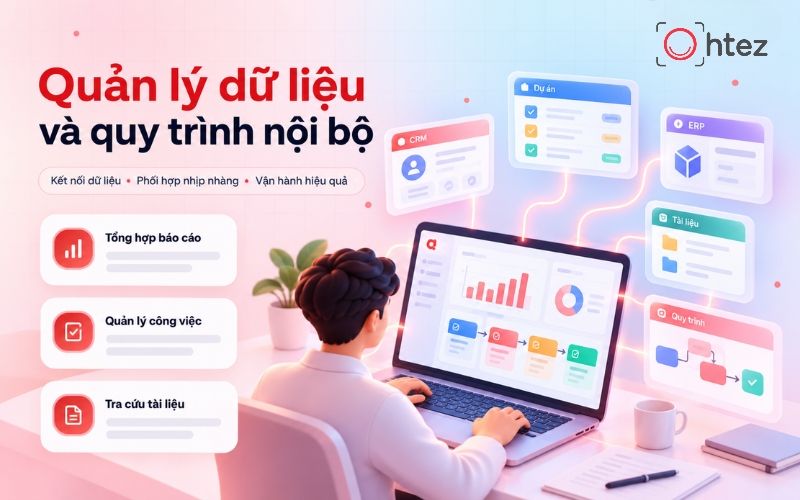
Optimizing internal management processes with AI assistant solutions
4. Supporting learning and life management
In personal life, AI assistants act as tools to support study, organize schedules, and search for information. Common use cases include:
- Learning support: Explains concepts, summarizes materials, creates quiz questions, and assists in language learning.
- Schedule management: Plans personal agendas, sets reminders, and prioritizes tasks.
- Daily life support: Suggests meal plans, designs travel itineraries, and searches for information for daily needs.
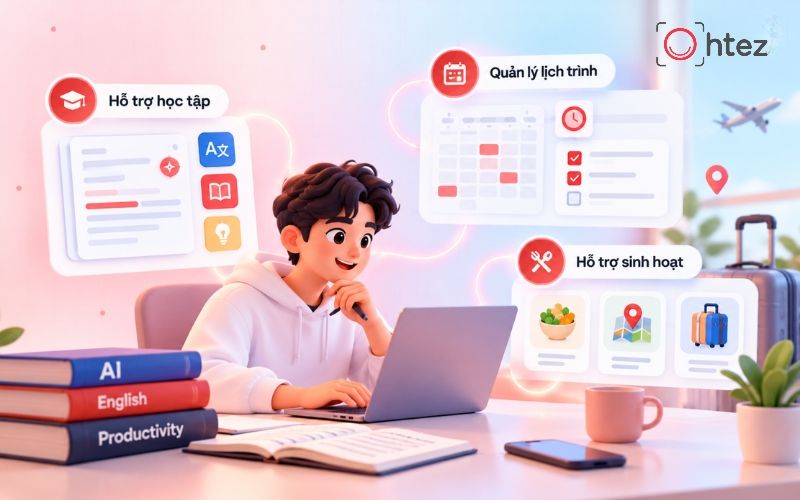
AI assistant applications for learning and daily task management
Read more: AI Agent YouTube Automation: How to automate Youtube content
Notable AI assistant tools
After understanding what is an AI assistant, users can explore platforms that match their practical needs. Each tool has different strengths in content creation, document processing, or software integration. Below are four notable options.
1. ChatGPT – Assisting content creation and processing
ChatGPT is an AI assistant developed by OpenAI capable of understanding natural language, generating content, and assisting with various tasks. The tool is widely applied in learning, marketing, programming, and office productivity. Outstanding advantages:
- Content creation: Supports writing articles, brainstorming ideas, drafting emails, and editing text as requested.
- Information analysis: Summarizes documents, processes data, and clarifies complex topics.
- Diverse task support: Applicable across research, learning, programming, and strategic planning.
ChatGPT tool interface – A popular AI assistant today
2. Microsoft Copilot – Empowering office productivity
Microsoft Copilot is an AI assistant developed by Microsoft to help users accomplish office tasks and boost work productivity. The tool seamlessly integrates into the Microsoft 365 ecosystem, including Word, Excel, PowerPoint, and Outlook. Outstanding advantages:
- Document drafting: Helps write, edit, and summarize content directly inside Word.
- Spreadsheet processing: Assists in analyzing data, identifying trends, and recommending presentations in Excel.
- Work management: Supports compiling emails, meeting notes, and preparing slide decks.

Microsoft Copilot – A powerful AI assistant for office work
3. Google Gemini – Powering the Google ecosystem
Google Gemini is an AI assistant developed by Google capable of processing language, images, and multiple modalities. Gemini is well suited for individuals and businesses frequently relying on Google Workspace applications. Outstanding advantages:
- Google Workspace integration: Assists in drafting emails, creating documents, and summarizing information within Gmail, Docs, and compatible apps.
- Multimodal processing: Capable of analyzing text, images, and other supported data formats.
- Research assistance: Helps explore topics, synthesize knowledge, and formulate ideas from provided information.
Google Gemini – Intelligent AI assistant in the Google ecosystem
4. Claude – Document analysis and information processing
Claude is an AI assistant developed by Anthropic, renowned for its strong natural language processing capabilities, analyzing long documents, and assisting tasks requiring in-depth information synthesis. The tool is ideal for research, content writing, and enterprise document handling. Outstanding advantages:
- Long document analysis: Assists in reading comprehension, summarizing, and extracting key insights from provided content.
- Text editing: Helps refine phrasing, improve structures, and craft content according to requirements.
- Research support: Helps compare information, systemize knowledge, and analyze complex issues.
Note: Some advanced features of the above tools may depend on service plans and user access permissions.

Claude – AI assistant tool supporting document analysis and synthesis
Read more: Top 5 best free AI Agents in 2026, start using immediately at zero cost
When should businesses move from an AI assistant to an AI Agent?
Businesses should consider moving from an AI assistant to an AI Agent when their needs go beyond supporting employees and require automating multiple steps in a workflow. Suitable cases include:
- Multi-step task processing: Automatically receiving requests, categorizing information, and executing tasks according to workflows.
- Connecting multiple systems: Synchronizing data across CRM, ERP, email, and management software via APIs.
- Reducing manual operations: Automating repetitive work, allowing employees to focus on core priorities.
- Workflow control: Setting permissions, tracking activities, and requesting human approval when necessary.
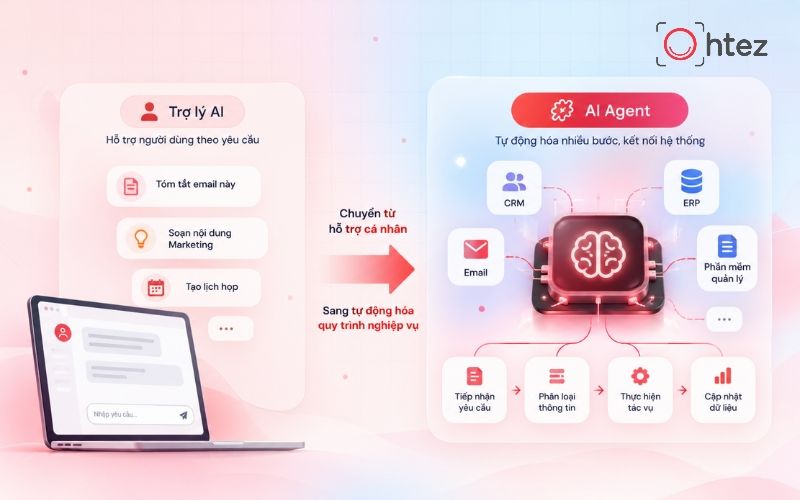
The shift from AI assistants to AI Agents for business automation
To meet these requirements, Ohtez provides custom AI Agent design services, helping enterprises build automation solutions tailored to actual workflows, integrate with existing systems, and maintain control over operations. Consequently, businesses can minimize manual workloads and enhance operational performance.
Ohtez Contact Information:
- Tel: (+84) 90 1900 626
- Email: info@ohtez.com
- Website: https://ohtez.com/
- Facebook Fanpage: OHTEZ