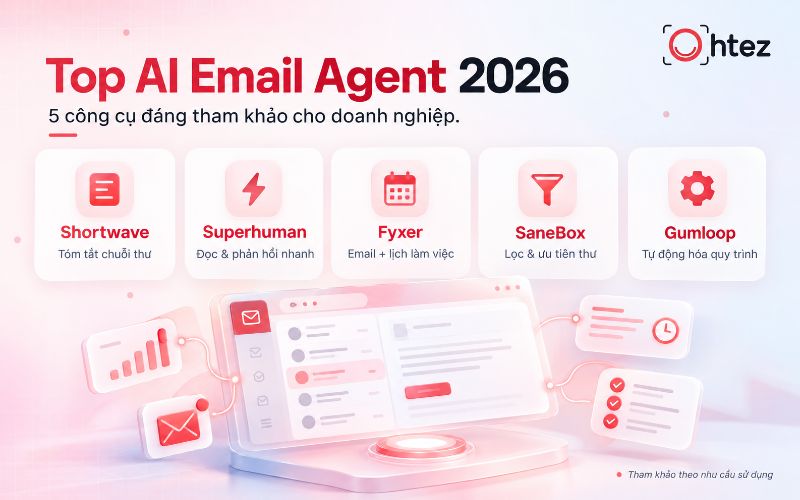

Understanding how to create an AI Agent on Gemini helps individuals and businesses automate content creation, data processing, and programming support more effectively. From a simple Google Gem to more advanced workflows with Gemini CLI, you can build an intelligent AI assistant tailored to your own goals. Join Ohtez as we explore the detailed implementation process from basic to advanced below!
What is an AI Agent on Gemini?
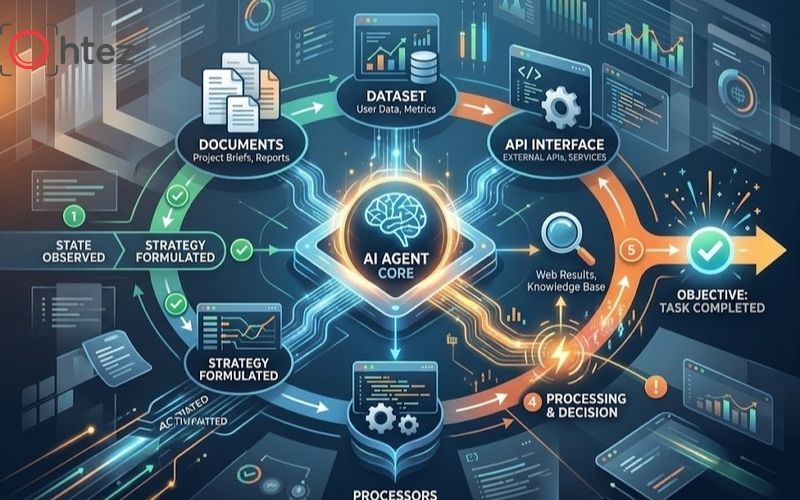
Learning how to create an AI Agent on Gemini starts with understanding how an agent differs from a chatbot in its ability to process tasks through a workflow and maintain context
An AI Agent on Gemini is an AI system configured to perform a specific role or set of tasks based on the goals, instructions, and data provided by the user. When learning how to create an AI Agent on Gemini, you can think of an agent as a specialized assistant: it does more than answer questions; it can process requests through a workflow, maintain context, and produce outputs according to predefined standards. Compared with a conventional chatbot, an AI Agent is more proactive and specialized:
Benefits of using an AI Agent

AI Agents help save time, standardize outputs, and reduce manual work for repetitive tasks
When you follow how to create an AI Agent on Gemini correctly, you can significantly reduce the time spent on repetitive tasks such as summarizing data, reviewing documents, conducting research, or creating content from templates. The greatest value is not simply that AI responds faster, but that it can maintain a consistent workflow. A well-configured agent can help you:
- Save time: Automatically summarize documents, create content, and analyze data according to a defined process.
- Standardize outputs: Keep results consistent by using predefined instructions and rules.
- Use proprietary data: Generate more accurate responses based on the internal documents you provide.
- Reduce manual work: Combine repetitive steps into a seamless processing flow.
- Enable advanced automation: Integrate deeply with files, scripts, and technical tasks through Gemini CLI.
See also: What is an AI Agent? How it works and detailed applications in 2026
How to create an AI Agent on Gemini step by step
Step 1: Define the agent’s role
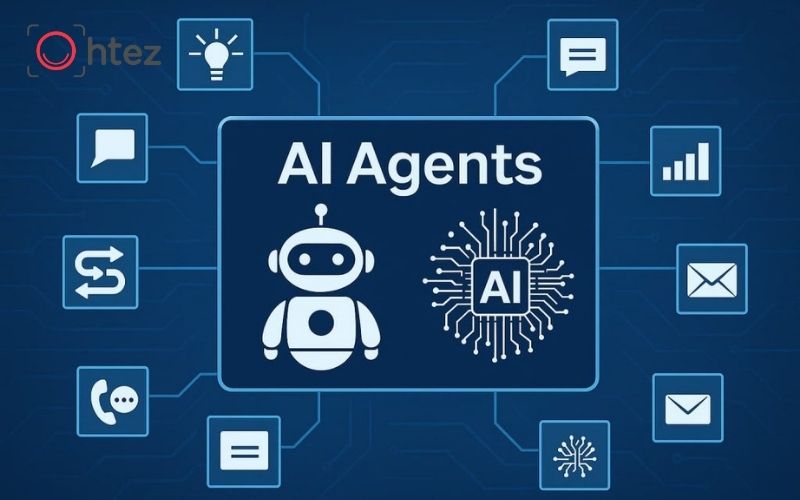
The first step in how to create an AI Agent on Gemini is to clearly define the agent’s role, target users, and scope of responsibilities
The first step in how to create an AI Agent on Gemini is to define exactly what role the agent will play. Instead of giving a broad instruction such as “help with marketing,” describe the role more specifically, for example: “Act as an SEO Content Editor who checks search intent, heading structure, and the logical flow of an article.”
Clarify these three factors:
- Who the agent serves and which department it supports.
- Which core tasks the agent needs to complete.
- Which tasks fall outside the agent’s scope.
Limiting the scope helps the model stay focused and reduces rambling responses. This is also a foundational step for businesses that want to build an AI assistant for each department instead of creating one agent to handle every type of work.
Step 2: Create a Gem in Gemini
Once the role is defined, you can begin how to create an AI Agent on Gemini by opening Gemini on the web, going to the Gems section, and creating a new Gem. Google currently lets users enter a Gem name and instructions, test prompts in the preview window, and then save the configuration. The Gem name should clearly reflect its function, such as “SEO Research Assistant,” “Sales Report Analyzer,” or “Customer Support Reviewer.” Specific naming makes it easier to manage multiple AI assistants across a business.
Step 3: Set up instructions for the agent

Instructions structured around Persona, Task, Context, and Format largely determine how a Gem behaves
Instructions largely determine how a Gem behaves, making this an important step in how to create an AI Agent on Gemini. According to Google’s guidance, effective instructions can include Persona, Task, Context, and Format.
You can structure the instructions as follows:
- Persona: What role the agent plays and the level of expertise it should demonstrate.
- Task: The specific tasks the agent must complete.
- Context: The background information the agent should prioritize when processing a request.
- Format: Rules for how the output should be presented.
For example, when building an SEO agent, instruct it to analyze search intent before creating an outline and not to add unverified data. The clearer the instructions are, the easier the AI’s behavior is to predict and control.
Step 4: Add reference data sources
If you want how to create an AI Agent on Gemini to produce results that are more closely aligned with your business, add Knowledge rather than relying only on the model’s general knowledge. Gemini allows you to add files from your device or Google Drive for the Gem to reference when generating responses. This is also what many people informally call how to train Gemini AI, although technically, adding reference documents to a Gem is not the same as retraining the underlying model.
Reference data can include:
- Operating procedures and internal instruction documents.
- Brand guidelines or content standards.
- Product catalogs, FAQs, and service information.
- Technical documents or reference datasets.
Step 5: Define the output format
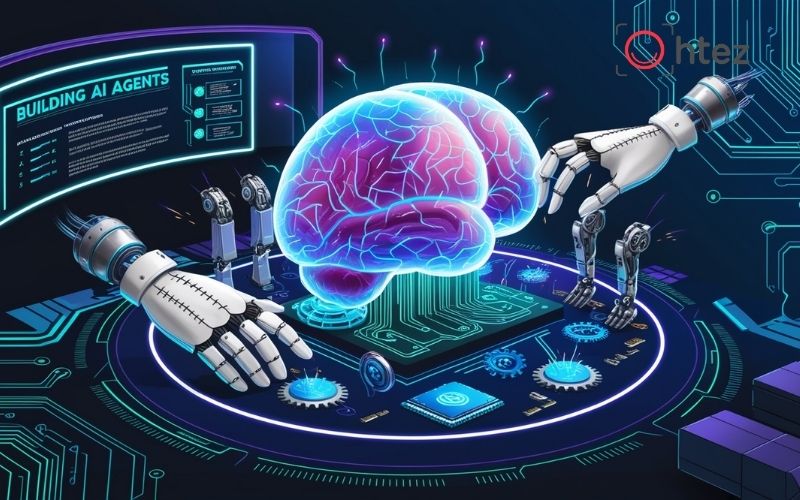
A clear output schema makes it easier to integrate AI-generated results into downstream automation workflows
An effective approach to how to create an AI Agent on Gemini requires more than having AI return the correct answer; you also need to define how the results should be presented. If this step is skipped, the same request may come back as a paragraph, table, or list at different times, making the output difficult to use in a workflow.
Define in advance:
- The order in which sections should appear in the response.
- When to use paragraphs, bullet points, or tables.
- The length limit for each section.
- How numbers, sources, or warnings should be presented.
For example, a report-analysis agent can consistently return four sections: “Summary,” “Key data,” “Issues,” and “Recommendations.” A clear output schema makes it easier to integrate AI-generated results into downstream automation workflows.
Step 6: Test and refine responses
You should not consider how to create an AI Agent on Gemini complete as soon as the instructions are written. A good agent needs to be tested across multiple scenarios to identify its limits and areas where responses are still inconsistent.
Test at least three groups of prompts:
- Normal scenarios with complete input data.
- Scenarios with missing information or unclear requests.
- Scenarios that fall outside the agent’s assigned scope.
If the results are not correct, adjust individual parts of the instructions instead of rewriting everything. For example, if the agent tends to invent numbers, add a rule requiring it to explicitly state when data is unavailable. Repeated evaluation helps make the agent more stable before it is used in real workflows.
Step 7: Save and put the agent into use

The final step in how to create an AI Agent on Gemini is to save the Gem and monitor its performance in real-world use
After testing, the final step in how to create an AI Agent on Gemini is to save the Gem and use it in real scenarios. Google notes that testing a Gem in the preview window does not automatically save changes, so users need to select Save after finalizing the setup. During operation, track the situations in which the agent frequently gives incorrect answers or lacks enough information so you can continue improving its instructions and Knowledge.
See also: Top 10+ most powerful AI Agents for optimizing performance in 2026
How to build an advanced AI Agent with Gemini CLI
Set up the environment and Gemini CLI
To extend how to create an AI Agent on Gemini into technical workflows, first prepare Gemini CLI and an appropriate project structure. After setting up the environment, determine whether a Skill will be used at the user level or only within a specific workspace. Gemini CLI supports Skill locations at both the user and workspace levels, helping teams separate shared capabilities from project-specific processes.
At this stage, developers should also determine in advance which resources the agent needs to access. The principle is to grant only the permissions required for the task and avoid placing the entire system into context. Defining the scope from the beginning keeps the agent leaner and easier to control.
Setting up the environment and Gemini CLI is necessary before moving on to advanced Agent Skills
Create Agent Skills for specialized tasks
In advanced how to create an AI Agent on Gemini, Agent Skills can turn internal experience or processes into reusable capabilities. Each Skill uses SKILL.md to describe its name, activation conditions, and instructions for how the agent should perform the task.
For example, a business can create separate Skills such as:
- A code reviewer that checks logic, security, and coding conventions.
- An API auditor that checks endpoints and response structures.
- An SEO checker that reviews metadata, headings, and on-page issues.
- A data analyzer that processes files and exports reports in a predefined format.
Instead of putting every instruction into a single agent, separating them into Skills makes AI Agent development more flexible, easier to maintain, and easier to share among project members.
Configure file and tool access permissions
Access permissions should not be overlooked when implementing how to create an AI Agent on Gemini with Gemini CLI. Agent Skills can use resources stored in the Skill directory, including documents, templates, or scripts. When a Skill is activated, Gemini CLI can ask the user to confirm access before using the Skill’s resources.
In practice, businesses should apply the principle of least privilege:
- Provide only the files that are genuinely required for the task.
- Do not store credentials directly in instruction documents.
- Separate testing and production environments.
- Review scripts before allowing the agent to execute them.
Combine code execution with the agent workflow
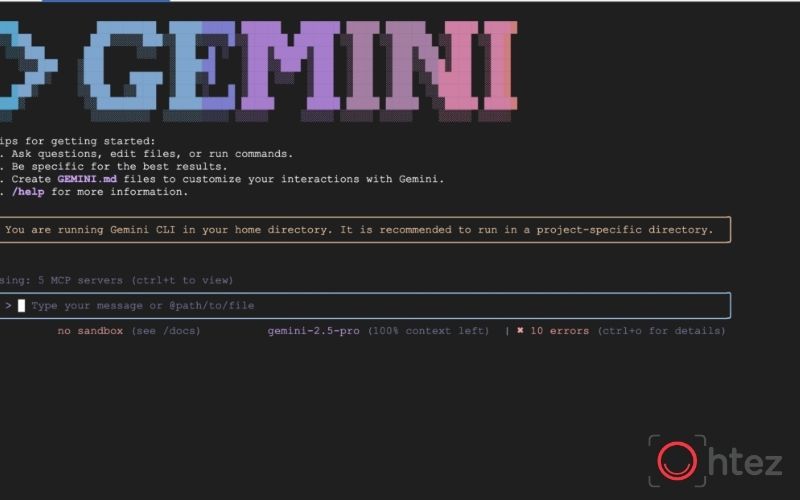
Combining model reasoning with code execution helps an agent handle steps that require a high level of accuracy
One advantage of how to create an AI Agent on Gemini with the CLI is the ability to combine model guidance with scripts for steps that require highly consistent results. Agent Skills support a scripts directory that can contain programs for specialized tasks.
Instead of asking AI to reason through every step on its own, you can use the model to identify the goal and use code for operations that require deterministic results. For example, an agent can read a data-validation request, choose the appropriate script, run the checks, and then explain the results. Combining reasoning with code execution is often more effective than asking the model to handle every step itself, especially for testing, file standardization, or structured-data analysis.
Test and debug Agent Skills
After building a Skill, how to create an AI Agent on Gemini still requires a validation step before the Skill is used widely. Gemini CLI can list and reload Skills, helping developers verify that the system has recognized each Skill correctly.
During testing, focus on three areas:
- Whether the Skill activates for the correct type of request.
- Whether the instructions cause the agent to follow the workflow in the correct order.
- Whether scripts and resources produce the correct output in exception scenarios.
In addition to the happy path, test corrupted files, missing data, and ambiguous requests. This helps identify situations in which the agent may take incorrect actions before it is connected to a real workflow.
Applications of Gemini AI Agents at work

Mastering how to create an AI Agent on Gemini helps businesses build specialized agents for teams such as Marketing, data, and software development
Once you understand how to create an AI Agent on Gemini, you can build specialized agents for different types of work instead of repeatedly entering the same prompts. The greatest value lies in standardizing how tasks are handled, using reference data effectively, and accelerating repetitive workflows. Depending on the goal, Gemini AI Agents can be used across many departments:
- Marketing and Content: Research topics, analyze briefs, build outlines, suggest content, and review articles against predefined criteria.
- Data analysis: Consolidate files, identify trends, classify information, and present reports in a consistent structure.
- Software development: Help read code, detect errors, write technical documentation, and execute workflows with Gemini CLI.
- Business operations: Process documents, consolidate reports, and guide employees based on internal procedures.
- Customer service: Look up documents, standardize responses, and support the handling of common request categories.
Professional AI Agent implementation solutions with Ohtez
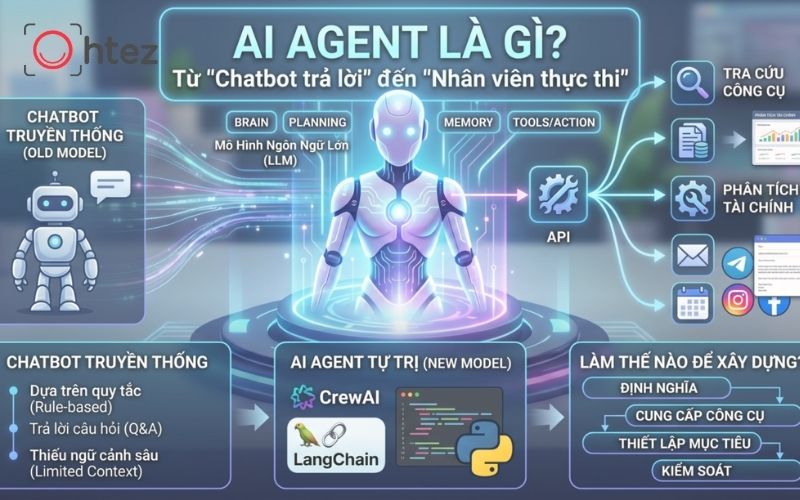
Applying how to create an AI Agent on Gemini correctly helps improve productivity by automating repetitive tasks with accurate data
For an AI Agent to create real value, businesses need to connect AI with the data, software, and processes already in operation rather than stopping at a question-and-answer tool. Ohtez combines consulting and software development capabilities with a service ecosystem that includes Web & App Development, ERP, E-commerce Development, Software Testing, and Cloud Integration. Key benefits for businesses choosing Ohtez include:
- Consulting based on real business needs: Analyze processes, data, and requirements before defining the appropriate scope for AI Agent implementation.
- Broad software development capabilities: Integrate AI with websites, applications, ERP, e-commerce platforms, or existing systems.
- Focus on efficiency and cost: Ohtez aims to shorten implementation time, reduce risk, and optimize project costs.
- Infrastructure and security support: Cloud Integration capabilities help businesses build scalable architectures, manage data, and prioritize system security.
- Practical implementation experience: Ohtez’s project portfolio spans ERP, POS, and e-commerce platforms, providing a strong foundation for integrating AI into different operating models.
For businesses that have explored how to create an AI Agent on Gemini but need to turn it into a solution connected to real systems, understanding how to create an AI Agent on Gemini is only part of the process. Ohtez can support the entire journey from architecture consulting and development to integration, testing, and operational optimization.

Ohtez helps businesses connect AI Agents with their software systems, ERP, and existing infrastructure
Applying how to create an AI Agent on Gemini correctly can significantly improve productivity by automating repetitive tasks with accurate data sources. From basic Gem setup to advanced Agent Skills configuration with the CLI, testing and scope control are always essential to stable AI operation. If your business needs advice on integrating AI Agents into real software systems, contact Ohtez for in-depth support today.